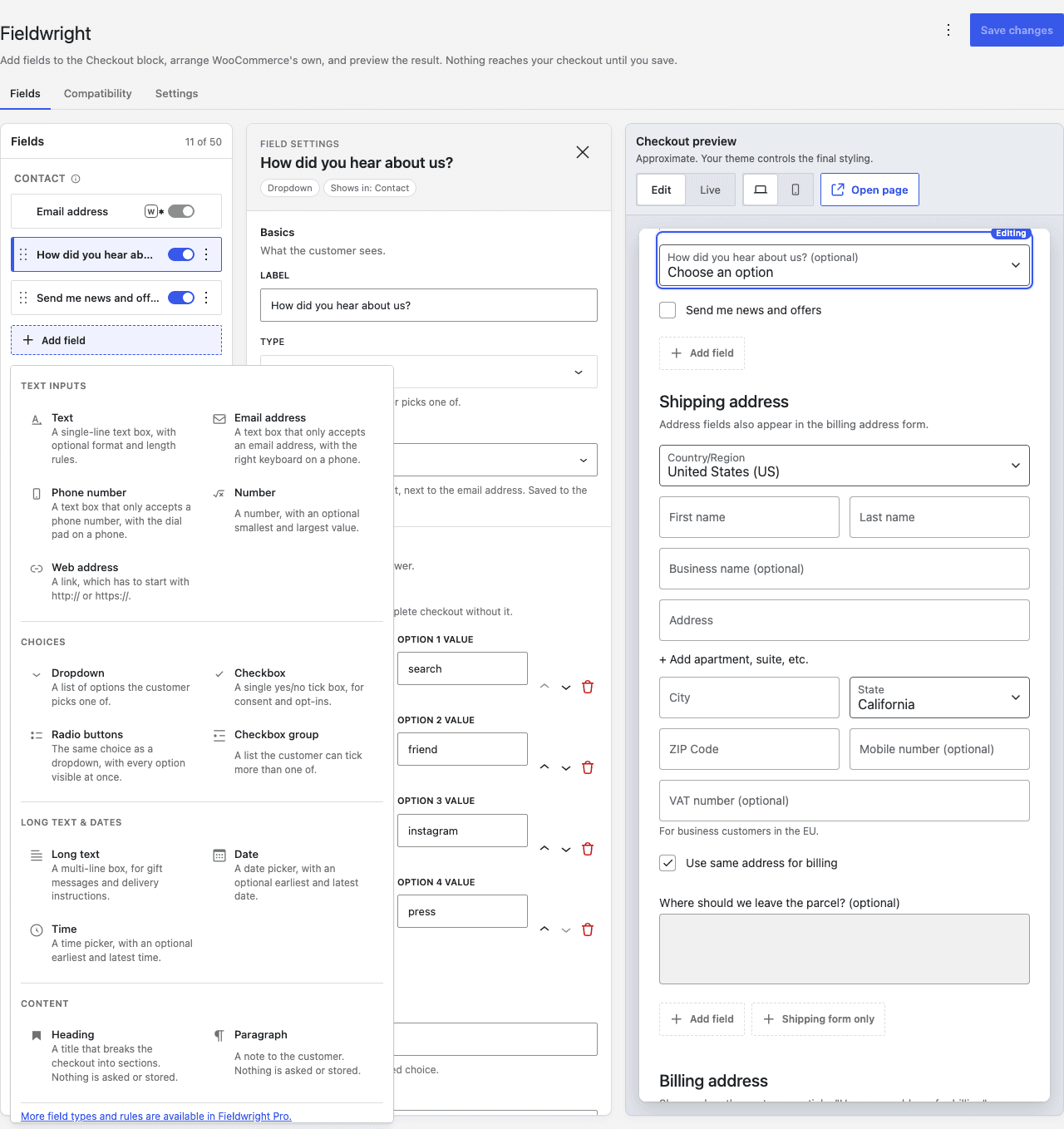
File upload
One more field type, in any of the nine positions. Choose the kinds of file you take and a size limit up to 25 MB. Files go straight into a private directory outside the media library, under a random name. Staff who can edit orders can download them; nobody else can.
Conditions
Show a field only in the situations you choose: a product or category in the cart, the shipping method, local pickup, the payment method, the shipping country, the cart total, another field's value, whether the customer is signed in, and their role. Up to ten rules per field, matched with all or any.
Required when
The same rules answer a second question: not who sees the field, but who has to fill it in. Leave a field optional until the rules match, and compulsory while they do.
Checkout fees
A checkbox, dropdown, radio buttons or checkbox group can add a fee to the order, with your own line label and tax on or off. Give each option its own amount and it reads after the label: "Evening +$8.00". Fees are worked out again from the order itself when it is placed, never from the session.
Date rules
A date field can refuse the days you do not work: weekdays, individual blocked dates, a lead time and a furthest date ahead, all in the store's timezone. The same section takes a minimum age in years, for a date of birth.
Time slots
A time field can offer named windows instead of a free time. Each slot has a start, an end, the weekdays it runs on and a daily capacity. The checkout asks which slots are open the moment a date is picked, and greys out the full ones.
Orders list column
Add a column to WooCommerce → Orders headed with the field's label, sortable for date, time and number fields. Up to six.
CSV export
Pick a date range and the statuses you want, and download a spreadsheet with one row per order and one column per field, beside the order number, date, status, total and email address.
PDF invoices
A row on every document produced by WooCommerce PDF Invoices & Packing Slips, switched on per field.
Defaults for WooCommerce's own fields
Company, both address lines, city and postcode gain a default value, shown only when the customer has nothing saved of their own, and stored only if they leave it and place the order.